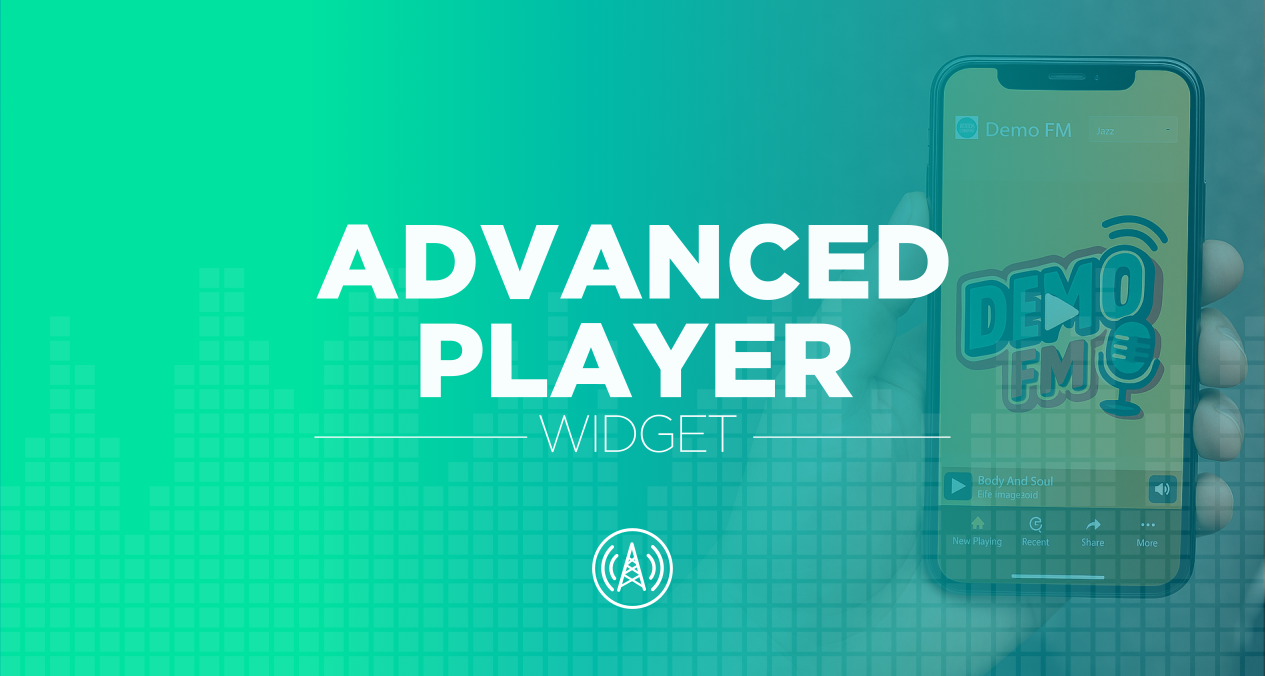

We're excited to unveil the Advanced Player, our new customizable player widget for radio, offering an app-like experience. With this new multipurpose player, your listeners can easily tune in from a browser using a convenient short URL (radiomast.app/your-callsign), and mobile listeners will have the option to install it as an app using progressive web app (PWA) technology.
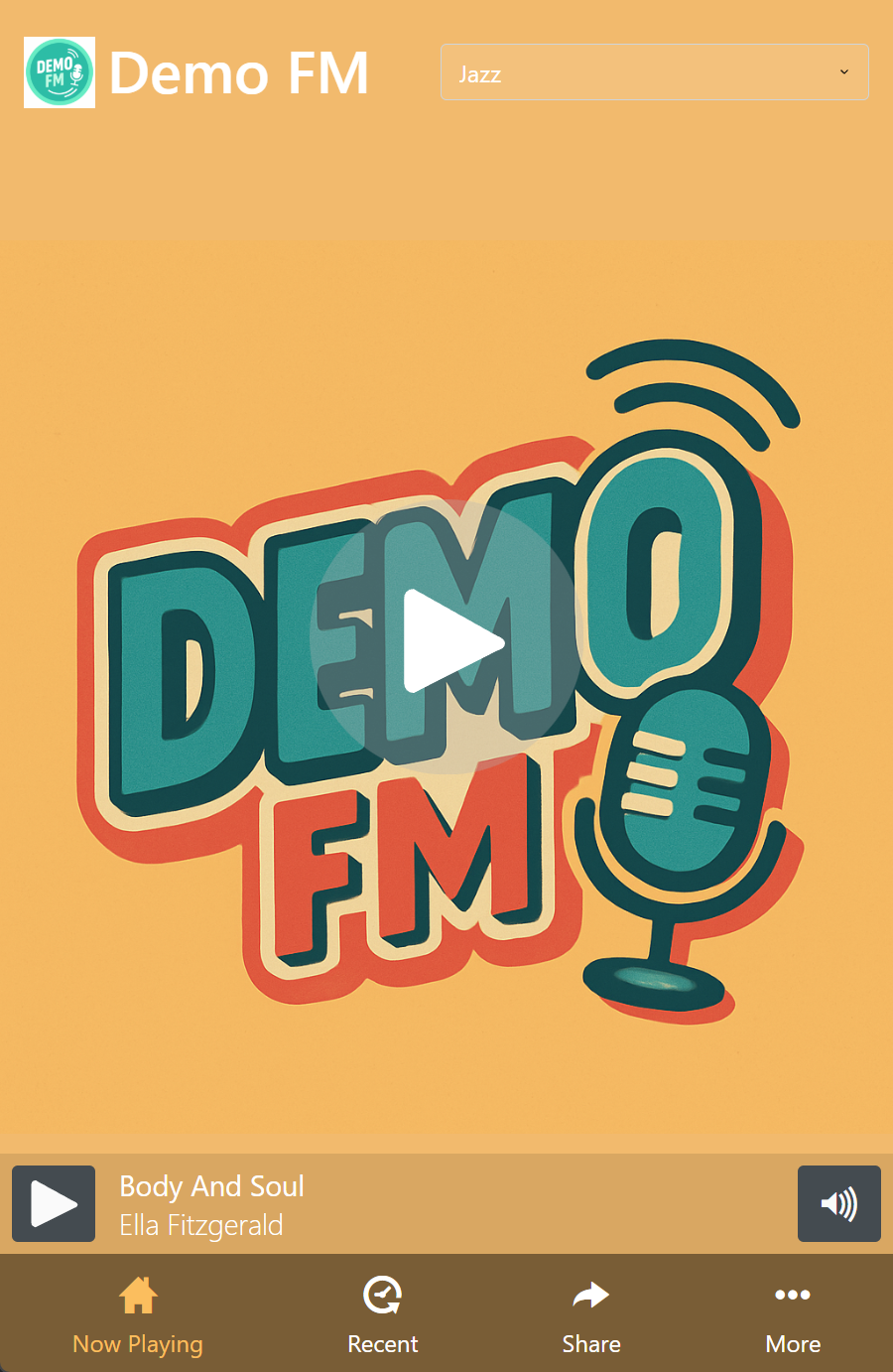
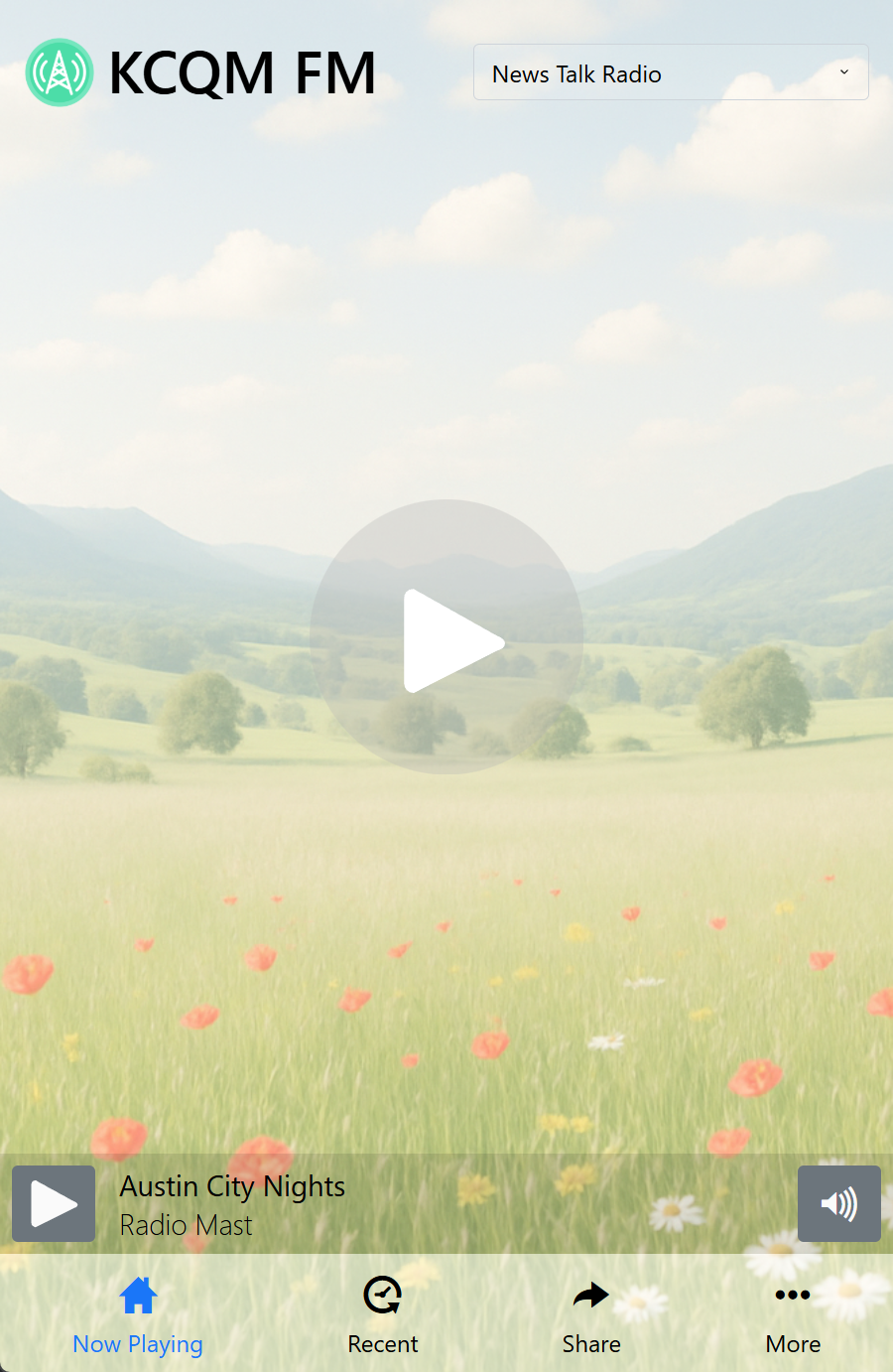
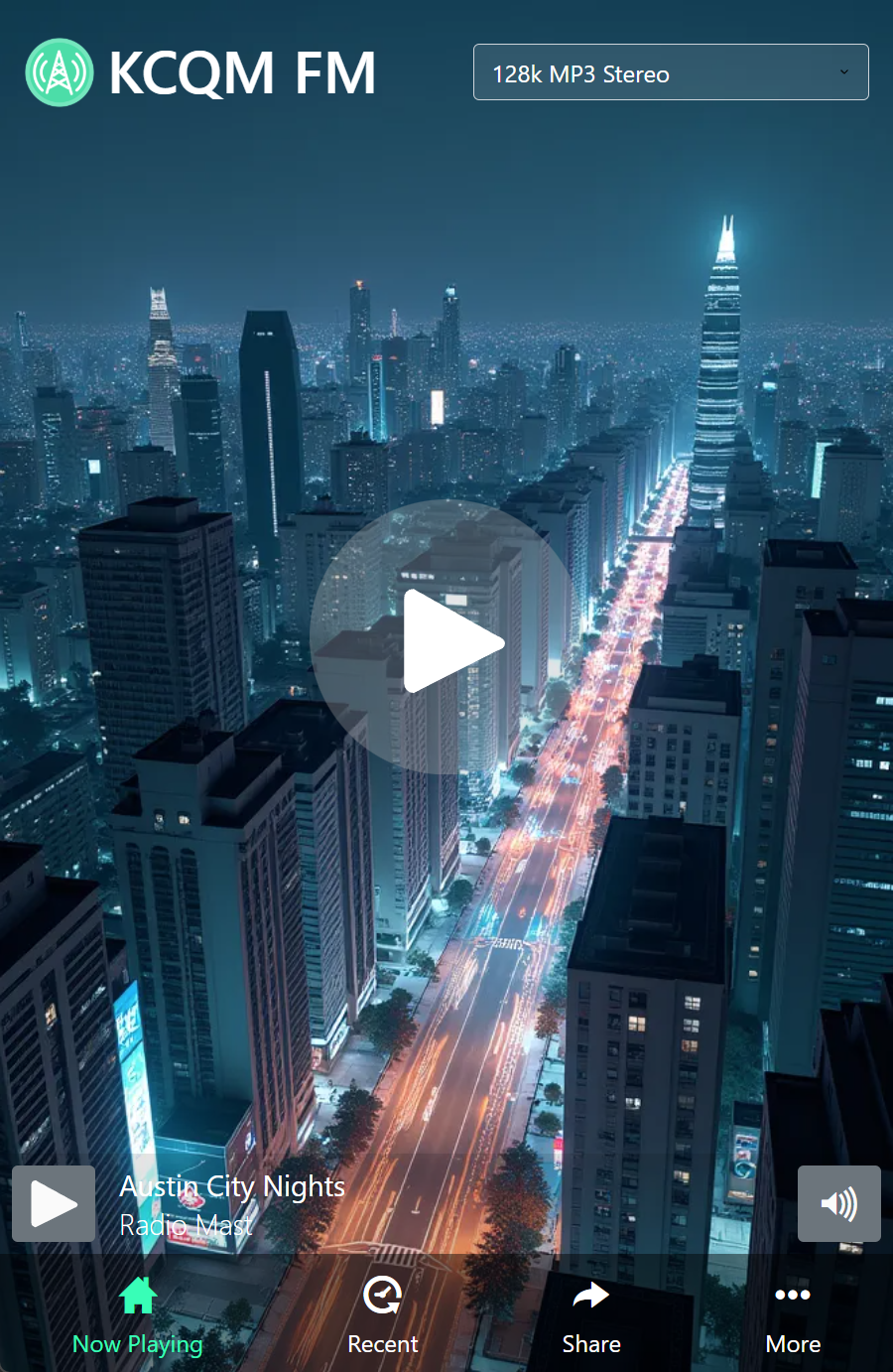
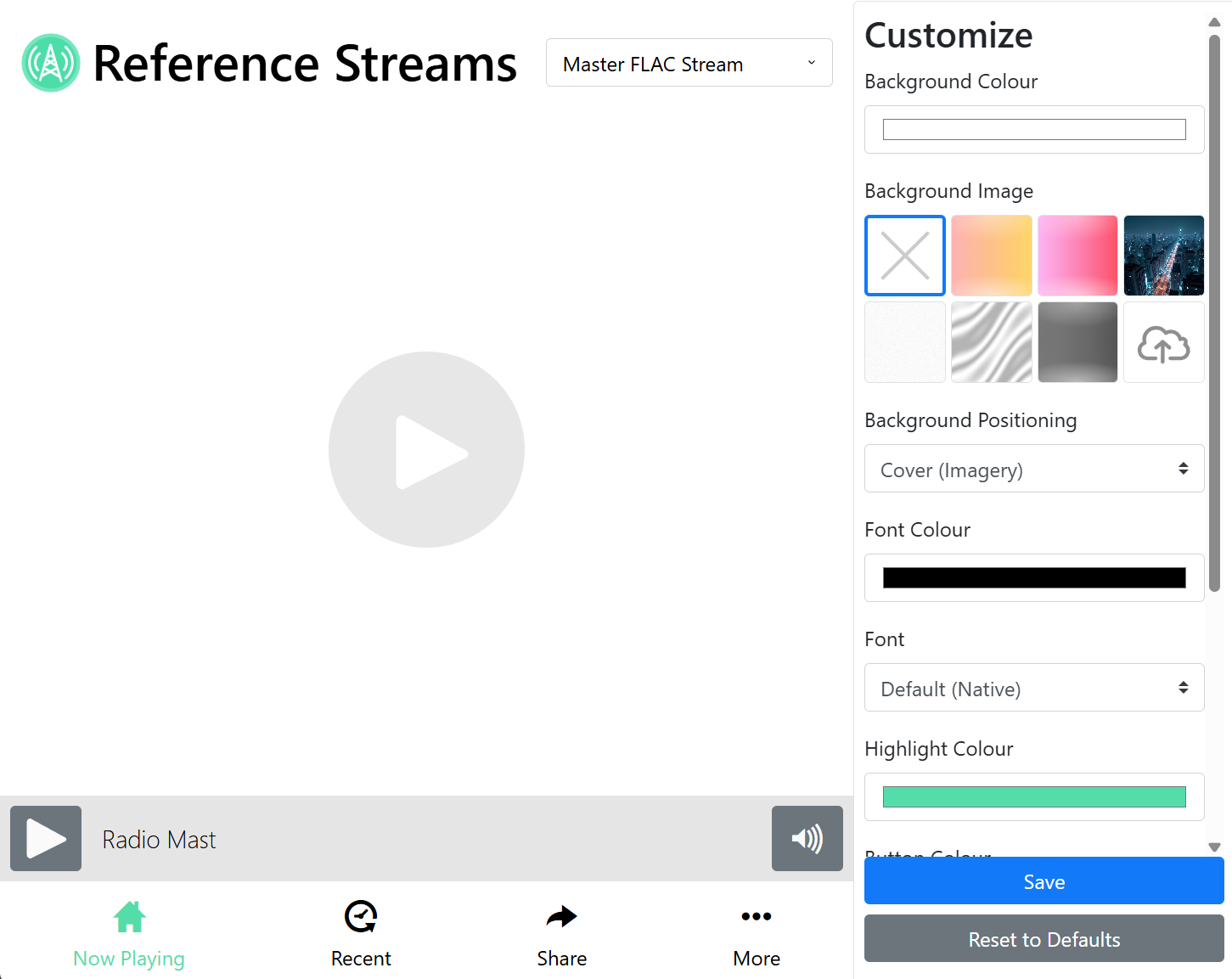
The Advanced Player allows you to customize the look of your player to match your station's branding. Our visual editor makes customization quick and easy, and a mobile-friendly design accommodates a wide range of devices and screen sizes.
Within the new player, listeners can easily see your recently played tracks. An easy-to-access Share button helps listeners spread your station, and customizable social media links help grow your following. The Advanced Player also supports multiple streams, allowing listeners to switch between them. Lastly, mobile listeners receive HLS audio by default, providing smoother playback and better battery life.
Mobile PWA for your Radio Station
The Advanced Player is a Progressive Web App (PWA), allowing mobile listeners to install it as an app on their phones. This provides radio stations with a quick and customizable app that can be easily shared, at no extra cost. Additionally, the Advanced Player is a great alternative to messy third-party apps like TuneIn that are plastered with distracting ads.
To further improve the mobile experience, the Advanced Player uses our HLS streaming technology to deliver audio by default, offering improved battery life and stream stability for listeners on the go.
Easy Customization
Maintaining a consistent design across your website and apps helps reinforce your radio station's brand image, and so the Advance Player offers several customization options. Our visual theme editor makes it easy to customize the colours, artwork, and font, to help you make your player your own, without needing a developer or tinkering with HTML.
Availability and Pricing
The Advanced Player is available today for all customers with streams hosted on the Radio Mast Streaming Network, at no extra charge.
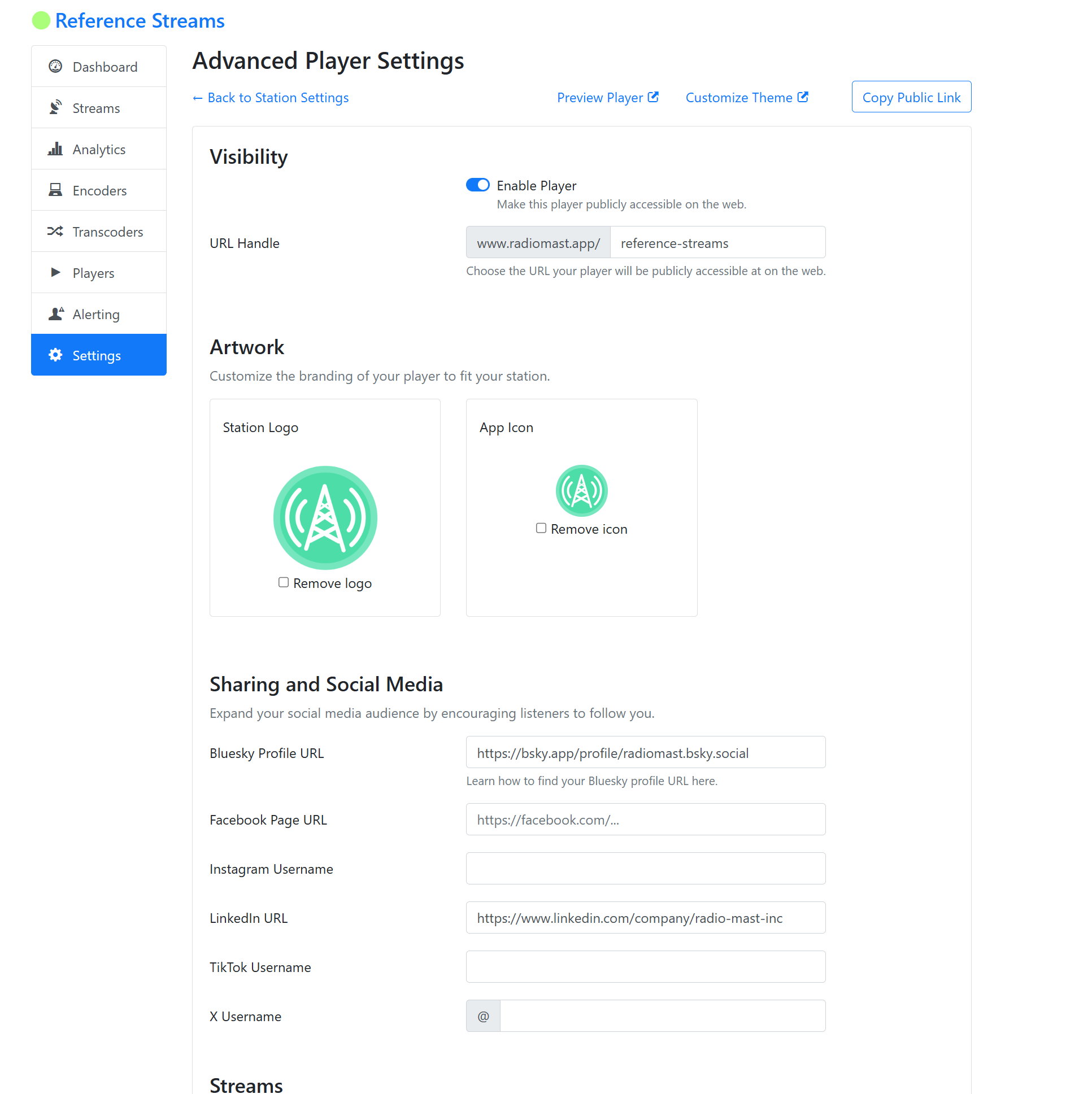
To enable the Advanced Player for your station, log into your Radio Mast account, click on a station, then in the sidebar on the left, click Settings and then Advanced Player Settings.
Not on streaming with Radio Mast yet? Sign up for a free trial today and get started.
Live Demo
Try the Advanced Player for our Reference Streams right now, embedded live in this post:
Or visit the Reference Streams Advanced Player directly here.
What's Next? Cover Art Support
We are working on a mechanism for broadcasters to display cover art in the Advanced Player and other supported players (via embedding it in the stream). This new integration requires the use of a supported radio automation system, and we are working on validating and supporting as many automation systems as possible.
If you're interested in trying out our cover art support, please sign up here for early access.